
The best of both experiences in SharePoint
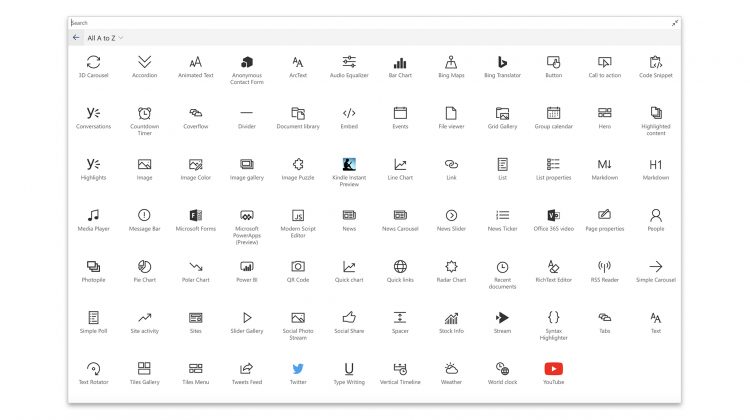
SharePoint is a platform by Microsoft that enables you to collaborate on content, and integrates deeply with Office. Primarily used via web browser, it was originally marketed as a document management system, but it’s functionalities have been expanded since its launch in 2001. Now, as well as document management, it is used as an intranet or company portal, to develop content, to collaborate on projects, to store files, and to run custom web applications (often specific to companies or particular business uses).
One major challenge with SharePoint is the differences between the previous ‘classic’ and the current ‘modern’ versions. The modern experience uses a more up-to-date interface and responsive design, and includes the capability for ‘Communications’ sites as well as the standard ‘Team’ sites. Even more significantly, the web parts (which are the little apps you can drop in to all sites and pages) are different in the classic and modern versions – as Microsoft says (source) “It’s important to note that modern pages can only use modern web parts and classic pages can only use classic web parts”. And because of this, you cannot simply or easily switch between the two versions.
We have developed a package that, once installed, gives the classic web parts on the modern SharePoint experience – the best of both worlds! Contact us if you would like more details on all the web parts (almost 40) available, and/or a demo. Our package is available for a one-off fee, which includes installation. This is a perfect solution for migrating to the modern SharePoint experience, without losing any existing functionality.