
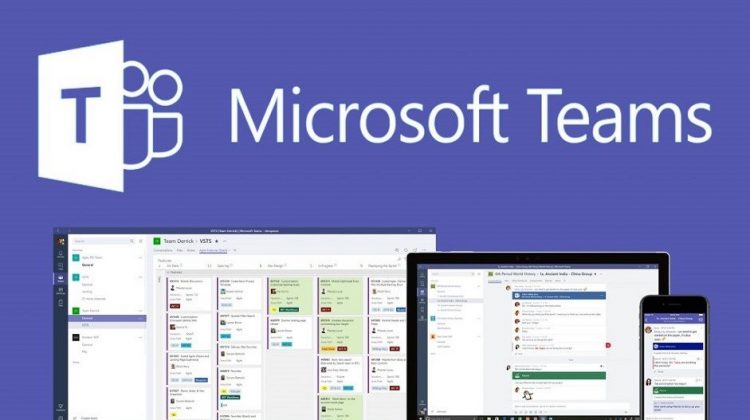
Microsoft have announced that they will close down Skype for Business on 31 July 2021. Microsoft are replacing this with Teams – their integrated app for chats, calling, screen sharing, and document collaboration.
Teams and Skype for Business can currently run alongside each other as two separate solutions that deliver similar and overlapping capabilities. Teams has the advantage of new collaboration capabilities, such as channels, access to files in Office 365, bring in email threads, and integrating other applications.
From 1 September 2019 all new Office 365 customers will be onboarded to use Teams instead of Skype for Business. However, the Skype for Business service (and the Skype consumer / home service) will continue to operate for existing customers. Teams users are able to connect with users on the Skype for Business service (and the Skype consumer / home service).
Microsoft first soft launched Teams in 2017, and they now say it’s at its best potential as a powerful tool, not just as an upgrade to Skype for Business. Microsoft have stated Teams shortens cycle times, improves the efficiency of key workflows, and cuts out unnecessary overhead. Microsoft is offering free instructor-led training if you wish to learn the benefits of Teams.
Skype for Business customers should start to plan to migrate to Microsoft Teams. Microsoft are adamant this is the new chapter in business communication and promises it to be an advancement on Skype for Business.
FAQ
1. Another Microsoft application? Eh? What?
Skype (consumer / home). Skype for Business (formerly Lync). And now Teams. It’s a mess of product branding and delineation of what the different applications are and do. In short: Skype will continue; Skype for Business will be replaced by Teams; Skype and Teams will talk to each other.
2. Can I transfer my Skype for Business contacts over to Teams?
No you can’t. Yes this is stupid. And yes we’ve told Microsoft how stupid this is! Contacts within your organisation will automatically appear in Teams as they are part of your internal Global Address List (GAL). External contacts currently cannot be transferred – we hope that this changes in the future.
3. Can I transfer my Skype for Business conversations over to Teams?
No. The two applications are based on different technologies and therefore conversations cannot be transferred. You can import email threads into Teams, as well as Office documents and connect other applications.
4. Can I transfer my Skype for Business meetings over to Teams?
No. Again, this is down to the fact that the two applications are very different and so meetings cannot be transferred. Microsoft recommend ‘cutting over’ to Teams, i.e. choosing a point to stop using Skype for Business for meetings and start using Teams. Any Skype for Business meetings already booked in that you wish to conduct via Teams will need to be re-created in Teams.
5. Are there any additional costs for Teams?
No, Teams is available at no additional cost as part of all Office 365 Business and Enterprise licenses. If you use additional audio conferencing capabilities with Skype for Business, these can be brought over to work with Teams.