

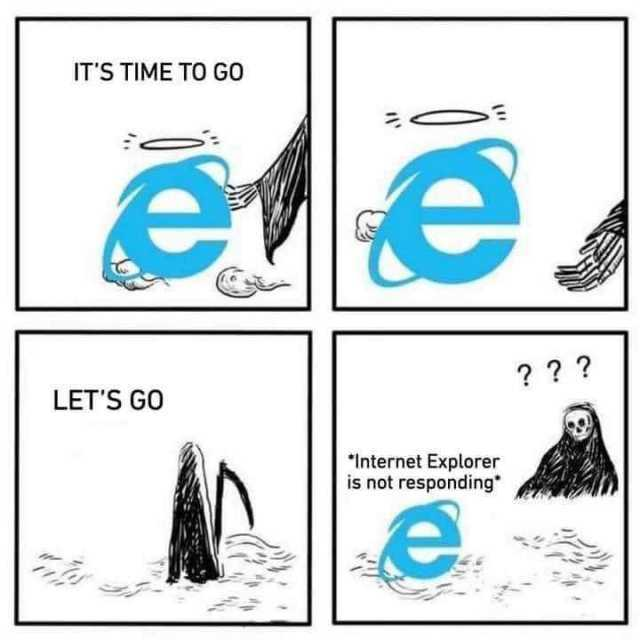
Microsoft announces they are finally retiring Internet Explorer (in June 2022).
Microsoft have announced that all support for Internet Explorer will end on 15 June 2022. This follows previous steps to ‘clean up’ their web browsers and streamline their services. Providing compatibility and support for multiple different browsers over the years has no doubt proved problematic, as we documented last year.
Key dates:
- Support for Microsoft’s popular Teams service on Internet Explorer was retired in November 2020.
- The previous version of Microsoft’s Edge (Legacy) browser was retired in March 2021.
- Support for all Microsoft services and applications on Internet Explorer will end on 17 August 2021.
- Support for Internet Explorer (version 11 and all prior) will cease entirely on 15 June 2022.
Microsoft are encouraging users to move over to the latest version of Microsoft Edge, stating that this is faster and more secure.
Most users won’t miss IE, and will be quite happy to say goodbye. IE uses a proprietary browser engine called Trident (aka MSHTML) that was developed by Microsoft back in 1997. Due to its age and the fact it predates all other modern browsers, it has long been seen to be slow and incompatible in comparison. The new version of Edge is completely different and uses the open-source Chromium browser engine, which is the same as Google Chrome and multiple others including Opera, Vivaldi, Yandex and Brave.
However, some organisations may still have specific processes that depend on Internet Explorer – IE had a very useful ‘add-ons’ system, which enabled organisations to create their own tools and services without needing to install/run additional software (all Windows PCs shipped with IE of course). Often these were created by enterprise level companies, were used internally (e.g. intranets), were used to control manufacturing processes, and various such proprietary functions. These will all need to be replaced or moved to newer systems. The new Microsoft Edge has an ‘IE mode’ built in to include Internet Explorer compatibility, allowing users to access IE specific tools and services, but full compatibility is not assured as Edge will not actually be running the old IE browser engine.
To download the latest version of Microsoft Edge if it has not been already added to your PC, see microsoft.com/edge. For more information on the future of Internet Explorer, see Microsoft’s post here. Please contact us if you have any queries on how to transition over to Microsoft Edge or have compatibility concerns for any proprietary systems.